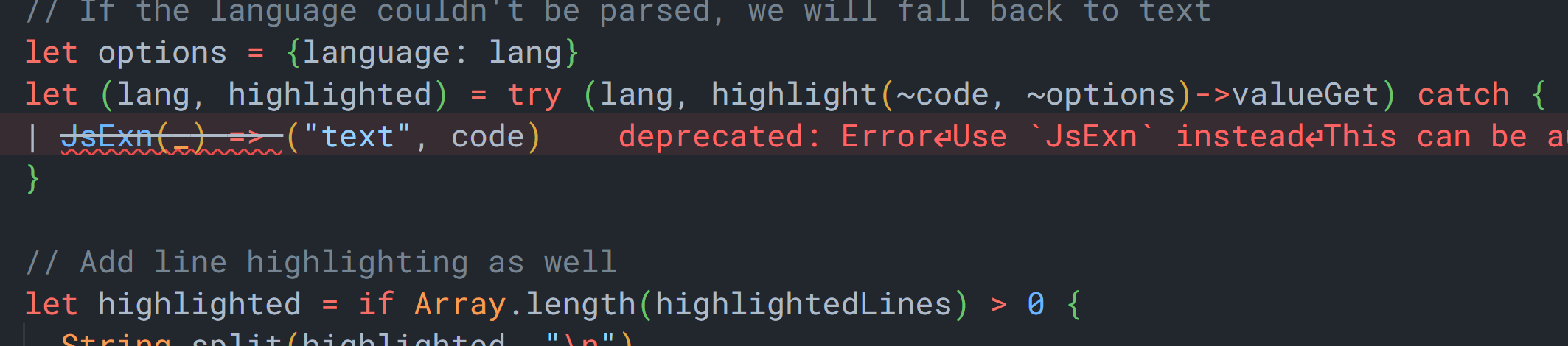
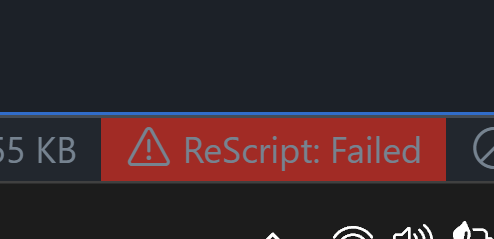
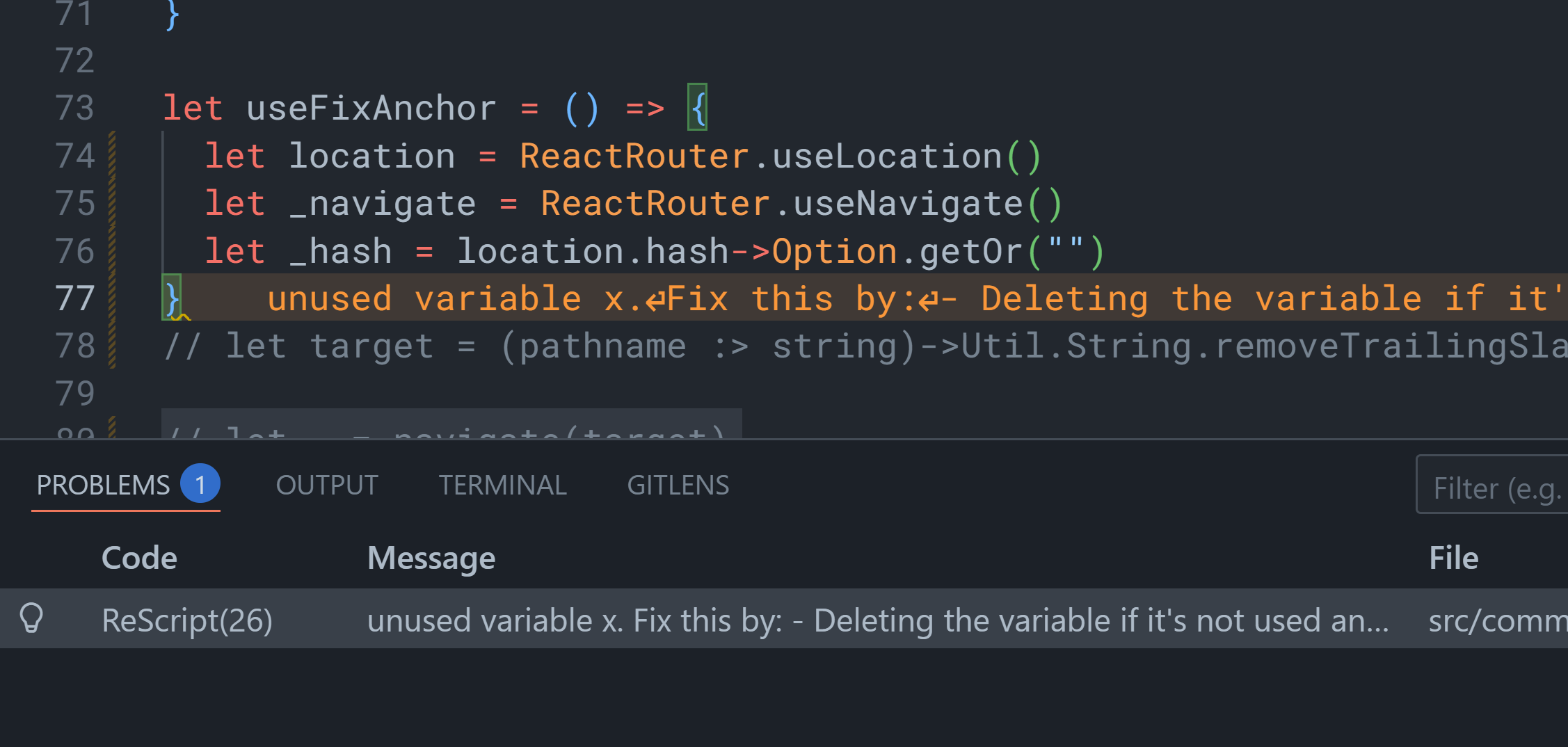
I have the following issue when opening a rescript project on Windows in VSCode.
[Info - 9:55:02 PM] Received initialize request from client. Server version: 1.72.0
node:internal/url:1614
throw new ERR_INVALID_URL_SCHEME(‘file’);
^
TypeError [ERR_INVALID_URL_SCHEME]: The URL must be of scheme file
at Object.fileURLToPath (node:internal/url:1614:11)
at WR (c:\Users\jakub.vscode\extensions\chenglou92.rescript-vscode-1.73.11\server\out\cli.js:39:3361)
at async hi (c:\Users\jakub.vscode\extensions\chenglou92.rescript-vscode-1.73.11\server\out\cli.js:40:5970)
at async mi (c:\Users\jakub.vscode\extensions\chenglou92.rescript-vscode-1.73.11\server\out\cli.js:40:6659)
at async rN (c:\Users\jakub.vscode\extensions\chenglou92.rescript-vscode-1.73.11\server\out\cli.js:46:4801)
at async process.$b (c:\Users\jakub.vscode\extensions\chenglou92.rescript-vscode-1.73.11\server\out\cli.js:46:17016) {
code: ‘ERR_INVALID_URL_SCHEME’
}
Node.js v22.21.1
[Error - 9:55:09 PM] Client ReScript Language Server: connection to server is erroring. Shutting down server.
[Error - 9:55:09 PM] Client ReScript Language Server: connection to server is erroring. Shutting down server.
[Error - 9:55:09 PM] Connection to server got closed. Server will not be restarted.
[Error - 9:55:09 PM] Stopping server failed
Message: Pending response rejected since connection got disposed
Code: -32097
[Error - 9:55:09 PM] Stopping server failed
Message: Pending response rejected since connection got disposed
Code: -32097
[Error - 9:55:09 PM] Stopping server failed
Message: Pending response rejected since connection got disposed
Code: -32097
[Info - 9:55:18 PM] Received initialize request from client. Server version: 1.72.0
node:internal/url:1614
throw new ERR_INVALID_URL_SCHEME(‘file’);
^
TypeError [ERR_INVALID_URL_SCHEME]: The URL must be of scheme file
at Object.fileURLToPath (node:internal/url:1614:11)
at WR (c:\Users\jakub.vscode\extensions\chenglou92.rescript-vscode-1.73.11\server\out\cli.js:39:3361)
at async hi (c:\Users\jakub.vscode\extensions\chenglou92.rescript-vscode-1.73.11\server\out\cli.js:40:5970)
at async mi (c:\Users\jakub.vscode\extensions\chenglou92.rescript-vscode-1.73.11\server\out\cli.js:40:6659)
at async rN (c:\Users\jakub.vscode\extensions\chenglou92.rescript-vscode-1.73.11\server\out\cli.js:46:4801)
at async process.$b (c:\Users\jakub.vscode\extensions\chenglou92.rescript-vscode-1.73.11\server\out\cli.js:46:17016) {
code: ‘ERR_INVALID_URL_SCHEME’
}
Node.js v22.21.1
[Info - 9:55:18 PM] Connection to server got closed. Server will restart.
true
[Info - 9:55:18 PM] Received initialize request from client. Server version: 1.72.0
node:internal/url:1614
throw new ERR_INVALID_URL_SCHEME(‘file’);
^
TypeError [ERR_INVALID_URL_SCHEME]: The URL must be of scheme file
at Object.fileURLToPath (node:internal/url:1614:11)
at WR (c:\Users\jakub.vscode\extensions\chenglou92.rescript-vscode-1.73.11\server\out\cli.js:39:3361)
at async hi (c:\Users\jakub.vscode\extensions\chenglou92.rescript-vscode-1.73.11\server\out\cli.js:40:5970)
at async mi (c:\Users\jakub.vscode\extensions\chenglou92.rescript-vscode-1.73.11\server\out\cli.js:40:6659)
at async rN (c:\Users\jakub.vscode\extensions\chenglou92.rescript-vscode-1.73.11\server\out\cli.js:46:4801)
at async process.$b (c:\Users\jakub.vscode\extensions\chenglou92.rescript-vscode-1.73.11\server\out\cli.js:46:17016) {
code: ‘ERR_INVALID_URL_SCHEME’
}
Node.js v22.21.1
[Info - 9:55:18 PM] Connection to server got closed. Server will restart.
true
[Info - 9:55:18 PM] Received initialize request from client. Server version: 1.72.0
node:internal/url:1614
throw new ERR_INVALID_URL_SCHEME(‘file’);
^
TypeError [ERR_INVALID_URL_SCHEME]: The URL must be of scheme file
at Object.fileURLToPath (node:internal/url:1614:11)
at WR (c:\Users\jakub.vscode\extensions\chenglou92.rescript-vscode-1.73.11\server\out\cli.js:39:3361)
at async hi (c:\Users\jakub.vscode\extensions\chenglou92.rescript-vscode-1.73.11\server\out\cli.js:40:5970)
at async mi (c:\Users\jakub.vscode\extensions\chenglou92.rescript-vscode-1.73.11\server\out\cli.js:40:6659)
at async rN (c:\Users\jakub.vscode\extensions\chenglou92.rescript-vscode-1.73.11\server\out\cli.js:46:4801)
at async process.$b (c:\Users\jakub.vscode\extensions\chenglou92.rescript-vscode-1.73.11\server\out\cli.js:46:17016) {
code: ‘ERR_INVALID_URL_SCHEME’
}
Node.js v22.21.1
[Info - 9:55:18 PM] Connection to server got closed. Server will restart.
true
[Info - 9:55:18 PM] Received initialize request from client. Server version: 1.72.0
node:internal/url:1614
throw new ERR_INVALID_URL_SCHEME(‘file’);
^
TypeError [ERR_INVALID_URL_SCHEME]: The URL must be of scheme file
at Object.fileURLToPath (node:internal/url:1614:11)
at WR (c:\Users\jakub.vscode\extensions\chenglou92.rescript-vscode-1.73.11\server\out\cli.js:39:3361)
at async hi (c:\Users\jakub.vscode\extensions\chenglou92.rescript-vscode-1.73.11\server\out\cli.js:40:5970)
at async mi (c:\Users\jakub.vscode\extensions\chenglou92.rescript-vscode-1.73.11\server\out\cli.js:40:6659)
at async rN (c:\Users\jakub.vscode\extensions\chenglou92.rescript-vscode-1.73.11\server\out\cli.js:46:4801)
at async process.$b (c:\Users\jakub.vscode\extensions\chenglou92.rescript-vscode-1.73.11\server\out\cli.js:46:17016) {
code: ‘ERR_INVALID_URL_SCHEME’
}
Node.js v22.21.1
[Info - 9:55:18 PM] Connection to server got closed. Server will restart.
true
[Info - 9:55:18 PM] Received initialize request from client. Server version: 1.72.0
node:internal/url:1614
throw new ERR_INVALID_URL_SCHEME(‘file’);
^
TypeError [ERR_INVALID_URL_SCHEME]: The URL must be of scheme file
at Object.fileURLToPath (node:internal/url:1614:11)
at WR (c:\Users\jakub.vscode\extensions\chenglou92.rescript-vscode-1.73.11\server\out\cli.js:39:3361)
at async hi (c:\Users\jakub.vscode\extensions\chenglou92.rescript-vscode-1.73.11\server\out\cli.js:40:5970)
at async mi (c:\Users\jakub.vscode\extensions\chenglou92.rescript-vscode-1.73.11\server\out\cli.js:40:6659)
at async rN (c:\Users\jakub.vscode\extensions\chenglou92.rescript-vscode-1.73.11\server\out\cli.js:46:4801)
at async process.$b (c:\Users\jakub.vscode\extensions\chenglou92.rescript-vscode-1.73.11\server\out\cli.js:46:17016) {
code: ‘ERR_INVALID_URL_SCHEME’
}
Node.js v22.21.1
[Error - 9:55:18 PM] The ReScript Language Server server crashed 5 times in the last 3 minutes. The server will not be restarted. See the output for more information.
Yes I am on Windows.
No, the pre-release version does not fix the issue.
Rescript v11 projects work without issues, just that v12 has this bug.